Home | Site Map 
  Cold Chain Delivered
Active Temperature Control with Smart Chip Programming


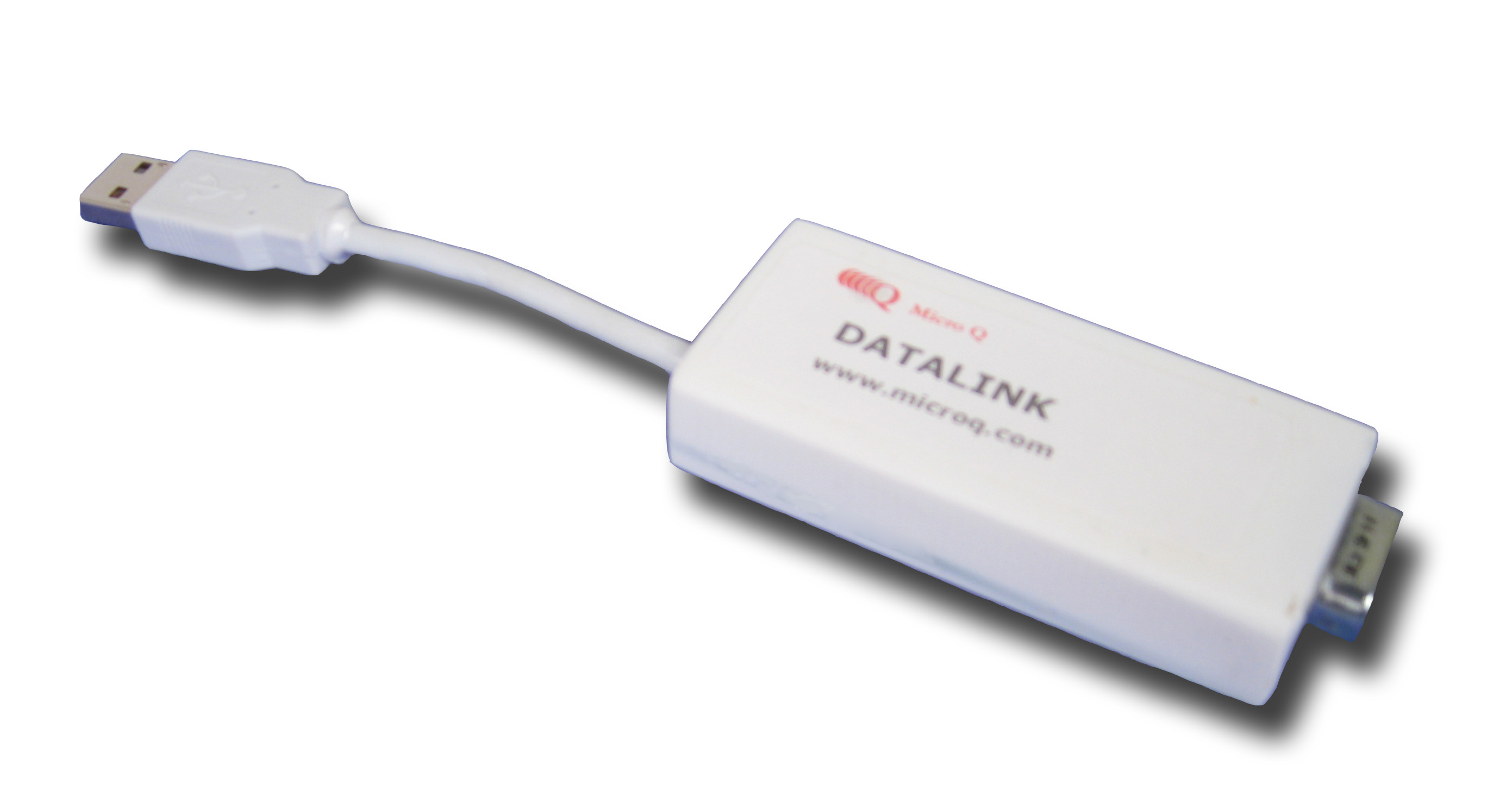
Micro Q® provides Genesis Smart Chip software to reprogram the shipping device to new temperature profile parameters, and a Genesis Data-Link™ software interface/ data download cable. The Smart Chip allows the user to change the temperature parameters on the shipping device. The Data-Link cable allows the client to download data from the unit to review the temperature and duration of the sample during transit.

to Software Features Product Page

Genesis Smart Chip

Change Shipment Temperature Parameters with ease

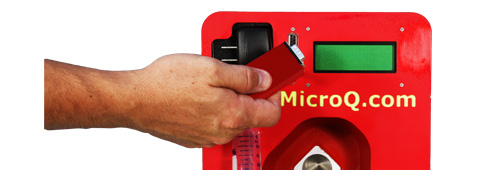
Genesis Smart Chip -Click for More Info1. Turn off Genesis Series Shipping Device
Verify that you have the correct programming chip before starting.


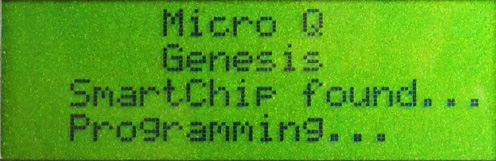
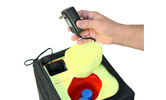
Genesis Smart Chip Updating -Click for More Info2. Insert Genesis Smart Chip & Turn on Shipper
The Smart Chip has a port at one end which fits into the Genesis data port.


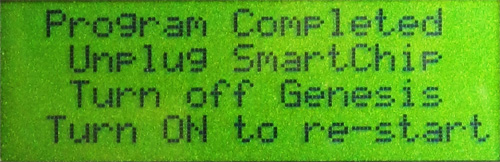
Genesis Smart Chip Update Complete -Click for More Info3.Remove Smart Chip & Reinitiate
by turning unit off then on again
 
The new Temperature Protocol is now downloaded into the device and ready to use on the next shipment.

It's that easy.

Smart Chip Features

bulletEasy to use: turn off shipper, insert chip, remove chip when done. No programming necessary.
bulletNo Power Required just plug it into the shipper
bulletVersatile the shippers can be re-programmed for a different temperature protocols any number of times.
bulletVariety numerous re-programmed Smart Chips available.
bulletCustomization is available. For additional information or a customized Temperature Protocol, contact customer support.
bulletSample cooling while shipping to lab & sample incubation on the return trip is available. Program Shipper to cooling protocol when you send your sample out. Enclose the Smart Chip in the shipping case for your lab to change the Shipper to a warming protocol after the sample is processed, so that the processed sample can incubate as it travels back to you.

Genesis Data-Link Cable & Software Interface

Download Shipment Temperature Data Log

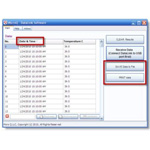
Genesis Software Interface -Click for More Info1. Install Software Interface
The Genesis Software Interface is a Windows Application which installs on the user PC to read historical payload canister temperature data. All data is time and date stamped and recorded 10 minute intervals into non volatile memory onboard the Genesis Shipper. Your historical data is saved for several previous cycles and can be easily accessed.


Genesis Data-Link & PC Cable-Click for More Info2. Insert Genesis Data-Link into the Shipper
While the data-Link is inserted into the Genesis, turn the power switch ON and all of the Genesis data will transfer to the DataLink in about 3 seconds.


Genesis Data-Link & PC Cable-Click for More Info3. When Down Load complete remove Data-Link
Start Genesis Data-Link Software on your PC, insert DataLink into PC USB port.  Click Receive Data on your software. The historical data is available within the Genesis Shipper and can be downloaded anytime.


Data-Link Features

bulletEasy to use: , insert Data-Link into the Genesis Shipper & PC, remove  when done. No programming necessary.
bulletNo Power Required just plug it into the shipper
bulletVerifiable Product Reliability  be reassured that sample will arrive with the best possible temperature control.


SHIPPER TEMPERATURE PROTOCOL


Select a Smart Chip to modify the temperature or temperature ramp-down to  program into your unit.

Steady (Hold) Temperature

Call to get any temperature setting +/- 0.1°C from 4-40°C

Ramp-Down Temperature

Specified temperature drop from one setting to another.

CUSTOMIZED SMART CHIP PROTOCOLS


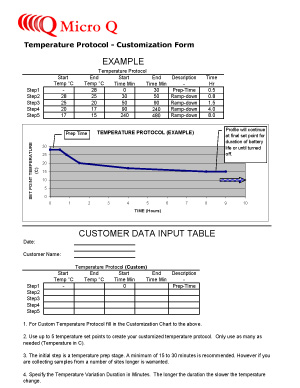
  Temp Protocol Customization Form -Click for pdf File  For a customized Temperature Protocol, download the Customization Form, and fax or email your request to us.

For additional information contact
Customization Support

| Home | Products | Genesis Shipping Devices |
| Data-Link
| Sales |


Micro Q LLC


mqsales@microq.com

USA

Easy as 1-2-3
Active Temperature Controlled Shipping Device charged and ready.
1. Charge & Turn it on
Temperature Sensitive Samples packed for transit.
2. Load Sample
Cold-Chain delivery Unit for shipment.
3. Ship it

Thank you for visiting  us at:

AACC Clinical Lab Expo

AACC  Annual
Clinical Lab Expo

July 27-29 2010

www.aacc.org

Click for larger picture

AAEP Annual Conference

Dec 5-9, 2009

www.aaep.org


Micro Q LLC ©
Copyright: 2009. All rights reserved